Websites, apps and APIs
Build your website, a customer portal or a tool for your team. The Maker also develops APIs, automations and extensive software projects.
LXI Maker
Your website, your app or your own tool: Describe what you need. The Maker plans, develops and tests your project. Experience the result in the preview, refine it in chat and publish it directly. You can download the complete source code.
Try for freeplan:
✓ Anforderungen verstehen
✓ Architektur entwerfen
✓ Frontend + Backend bauen
◉ Tests und Korrekturen
○ Veröffentlichen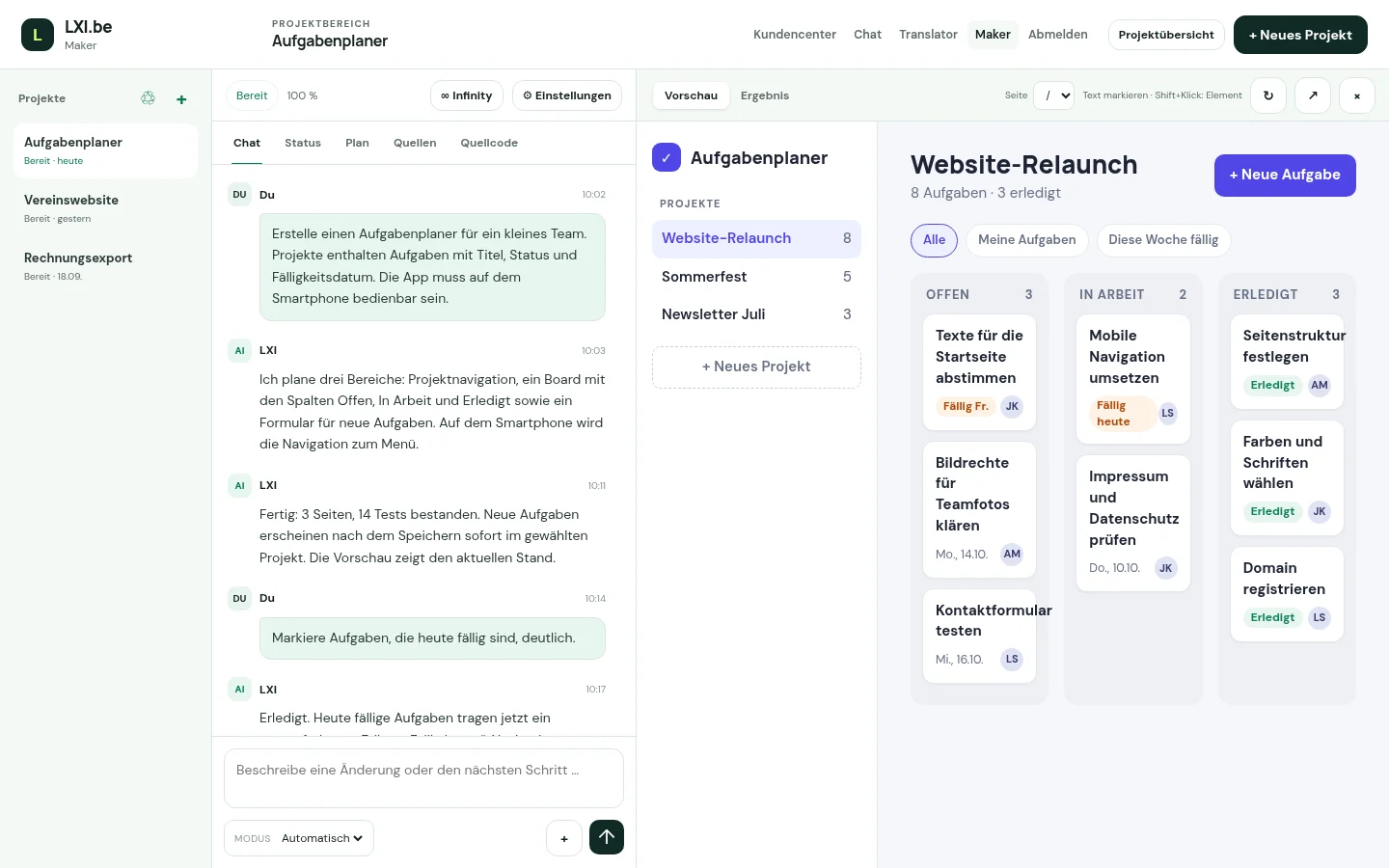
How it works
Write in your own words what should be created and who uses it. The Maker asks if anything is unclear and shows you the plan.
The Maker implements the plan, checks the result in the browser and corrects errors before handing the project over to you.
Test the app in the preview and request changes in chat. You publish finished projects or download them.
Build your website, a customer portal or a tool for your team. The Maker also develops APIs, automations and extensive software projects.
You see the overall progress and each work step, with all details on request.
Saved versions, optional Git integration and an isolated test environment.
Usage
Start for free with a website, app or tool for your everyday life. You can see balance and usage directly in the Maker.
Build now for freeGuides and examples
Describe your website, customer portal, or internal tool. Maker turns it into a project with matching pages, features, and data. In the preview, you can see directly how your idea takes shape.
Your app grows with your ideas. Open an existing project and describe new features or design requests in the chat. Maker implements changes while you keep track of progress and preview.
Publish your website directly from Maker or download the complete source code. Saved versions help you restore earlier states. For a custom enterprise solution, we also support integration and operation.